Choosing a catalog
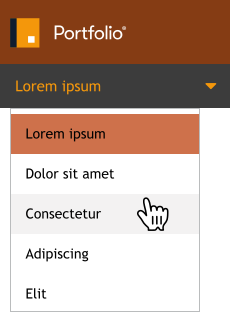
Portfolio automatically signs you in to the first catalog available to you. If you need to work in a different catalog:
-
Click the
 icon to the right of the catalog name (immediately below the Portfolio logo at the top left).
-
Choose a new catalog from the list.
If there is no icon, then you don’t have any other assigned catalogs.